If a shopper can choose it, it belongs in 3D.
Orbit3D puts a live 3D configurator on your Shopify product page. Fourteen kinds of product: what shoppers choose, why a photo fails them, what Orbit3D does.
Where we have a 3D model, turn it. Where we don't yet, you'll see a render. The hat, the tables and the seat are our own demo products. No customers are shown or named on this page.
Every size you sell. One 3D model.
- What shoppers want to choose
- Length and width. The wood on top. The base underneath. The finish. Whether it seats six or ten.
- Why a flat image fails them
- A photo shows one table, at one size, in one wood, in someone else's room. The shopper who needs 84 inches in walnut on a black base is looking at 72 inches in oak on white and doing the maths in their head. That is a lot to ask of a photo.
- What Orbit3D does
- One 3D model, resized live in real units, so the 84-inch table on screen is the 84-inch table. The top swaps material. The base swaps as a part. The price updates with every choice, and checkout charges exactly that price.
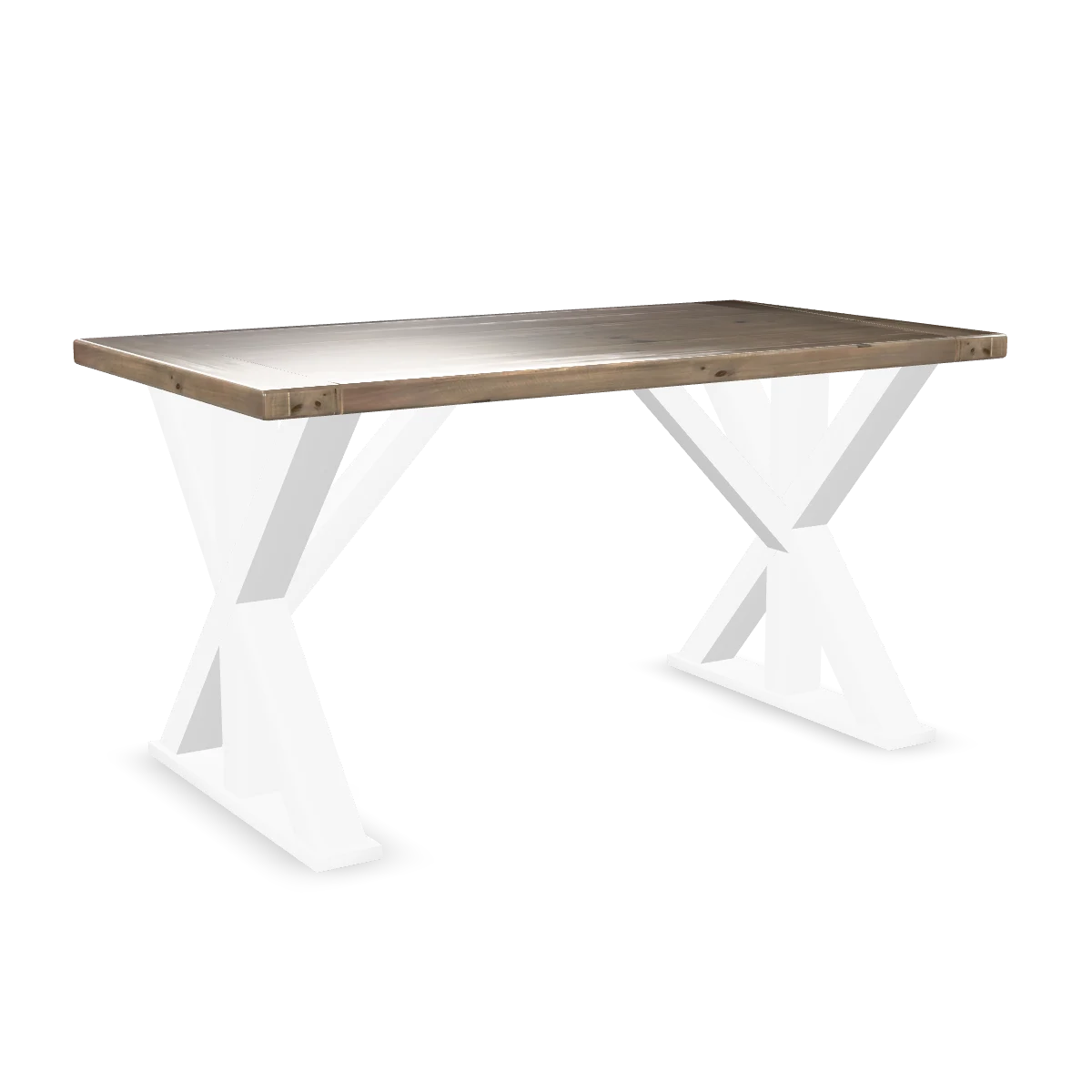
Our demo product, unbranded. Drag to turn.
Made to fit the wall. Chosen on the screen.
- What shoppers want to choose
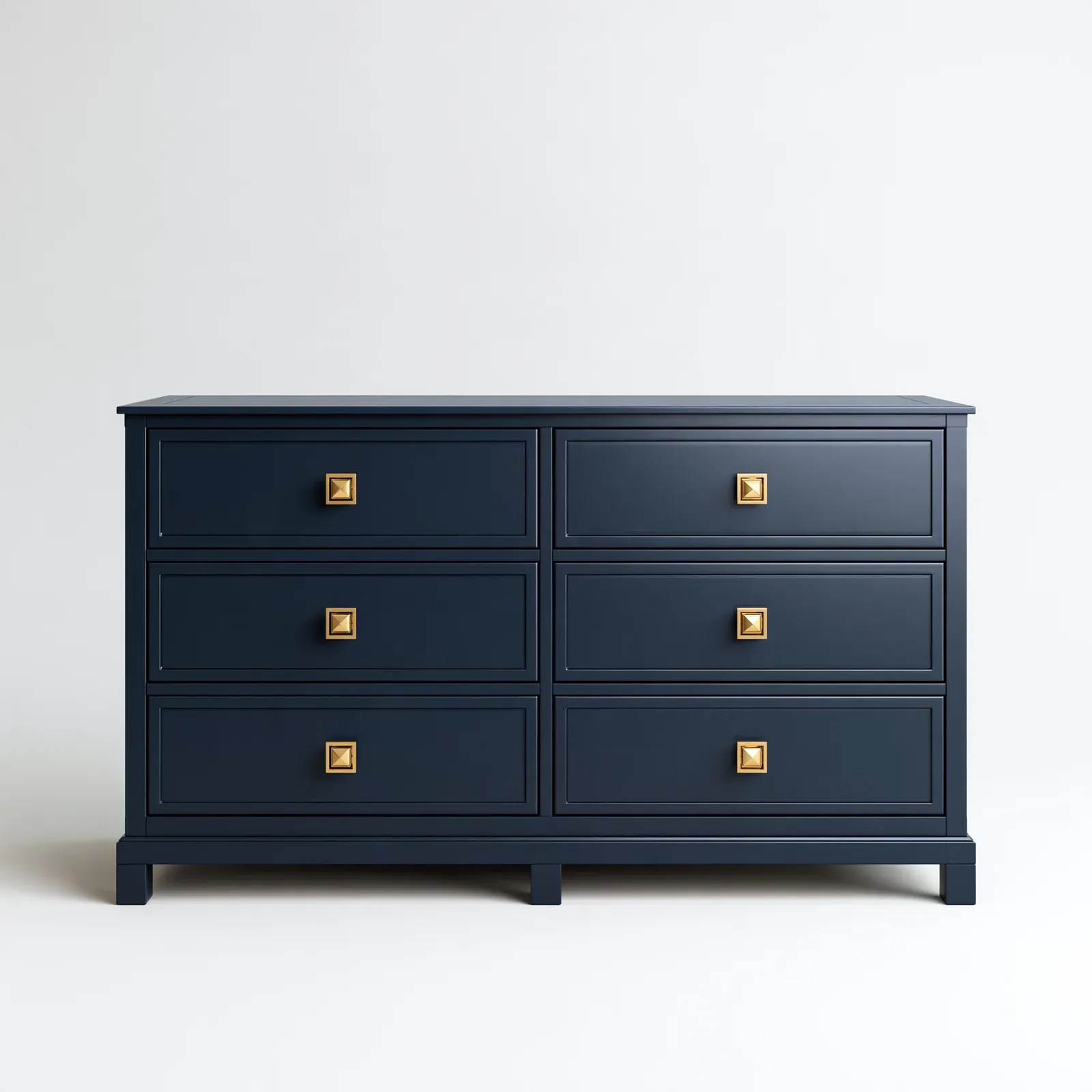
- Width and height to the inch. The door front. The finish. The handles.
- Why a flat image fails them
- Fitted furniture is bought by measurement, and a catalogue photo has no measurement in it. So shoppers email for a quote, wait, and compare the reply with a picture of a different dresser.
- What Orbit3D does
- Live resizing in real units from one model. Finish and door front as material and part swaps. Handles as a part swap. Conditional options, so the handle finishes offered depend on the door front picked. The price updates as they go.
Their crown, their ribbon, their initials inside.
- What shoppers want to choose
- Crown colour. Ribbon colour. Size. A two-tone finish. Their initials on the sweatband.
- Why a flat image fails them
- Six colourways is six photoshoots, and still nobody sees the red crown with the silverbelly ribbon. Nobody sees inside the band at all.
- What Orbit3D does
- Colours per part, crown and ribbon separately. Size as an option. Engraving puts their initials on the sweatband, on the model, where they will be on the hat. Artwork upload for a crest. Tap the ribbon and the ribbon options open.
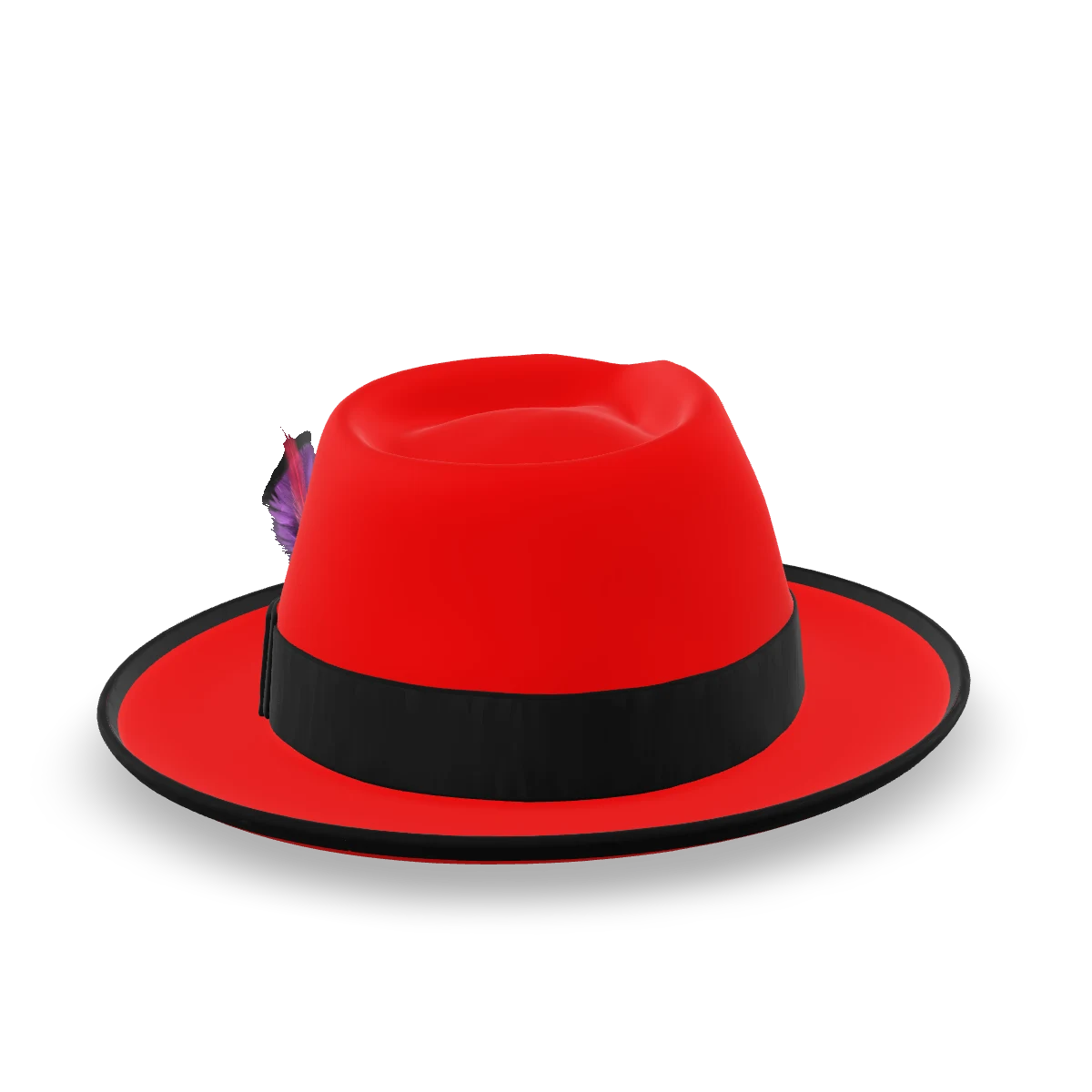
Kwal-ity Hats, our demo brand. Drag to turn.
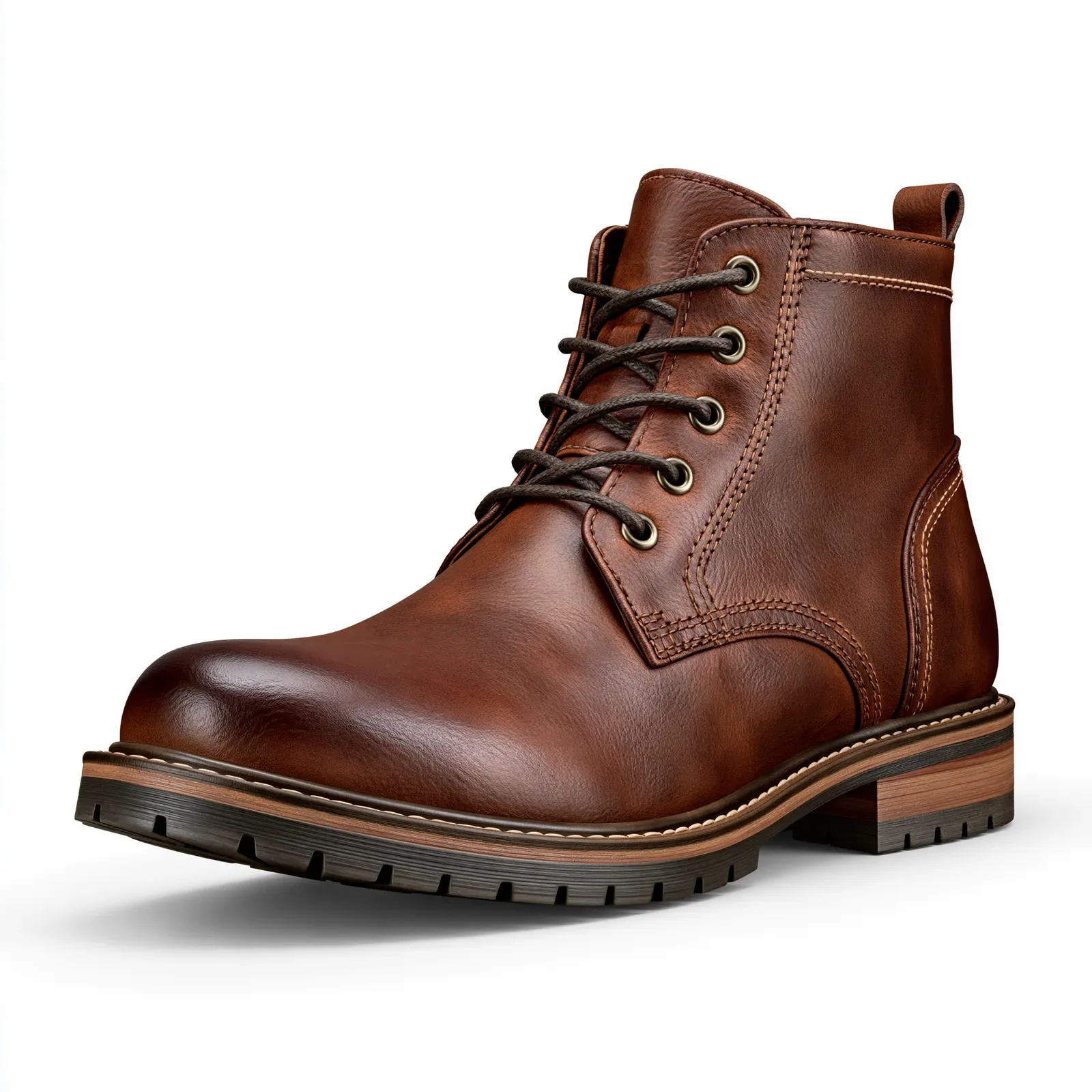
Panel by panel. Sole to laces.
- What shoppers want to choose
- The leather on each panel. The sole. Laces and eyelets. Size. Their initials on the pull tab.
- Why a flat image fails them
- A boot is a stack of panels. A photo shows one combination, from one side. The shopper wants theirs, and the back, and the sole.
- What Orbit3D does
- Colour and material per panel. Part swaps for the sole and the laces. Size as an option. Engraving for initials. Spin it, look at the heel, look underneath.
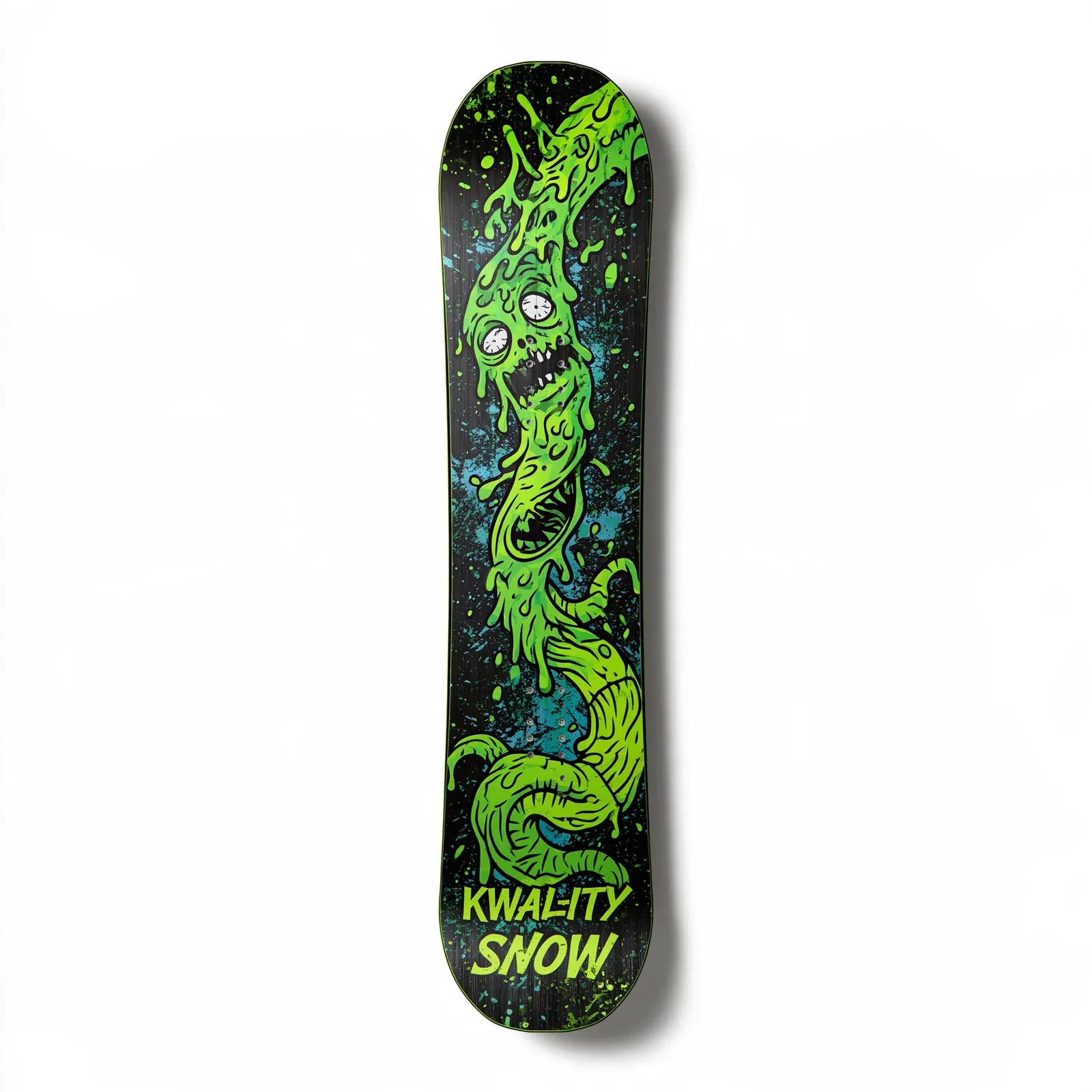
Their graphic on the deck. Nose to tail, in 3D.
- What shoppers want to choose
- Their own artwork on the deck. The base or underside colour. Length. Finish.
- Why a flat image fails them
- An uploaded graphic dropped onto a flat template does not show how it wraps the nose and the tail, or what it looks like edge-on. The shopper finds out when the box arrives.
- What Orbit3D does
- Artwork upload lands on the product itself, in 3D. Colours for everything else. Size options for length. Conditional options, so the finishes offered follow the deck picked.
Their print on a sphere, seen the way it wraps.
- What shoppers want to choose
- The printed artwork, per side. Ball colour. Weight.
- Why a flat image fails them
- A print previewed flat is a rectangle. A ball is not. Shoppers cannot see the wrap, the seam or the back until the ball is in their hands.
- What Orbit3D does
- Artwork upload onto the print area of the model. When the model is cut at the printing seam, each side takes an upload square on. Weight as an option. The price updates.
Bowling
A render for this section is on its way. The moves it describes are the same ones you can try on the demo page.
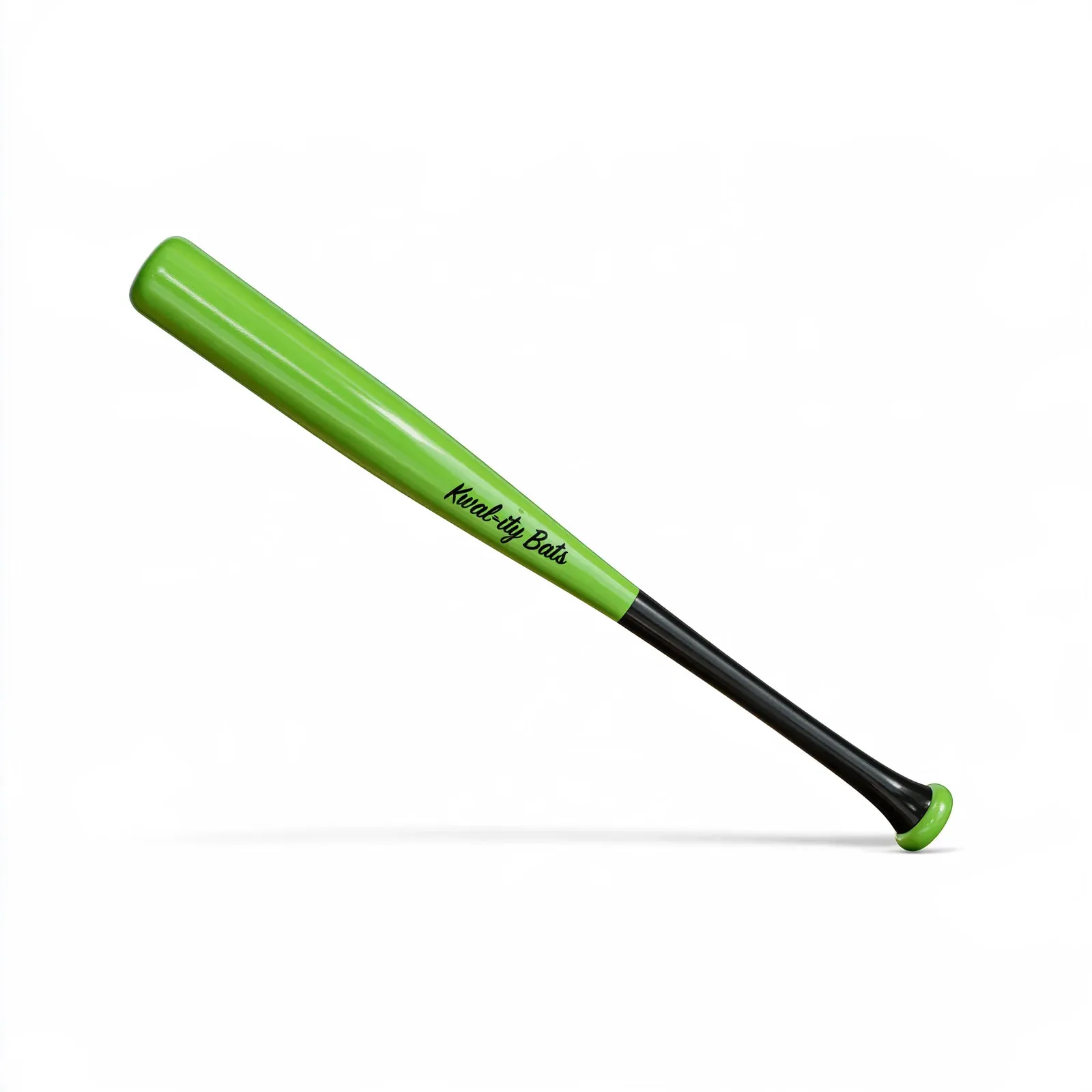
Their bat. Their length. Their name on the barrel.
- What shoppers want to choose
- The wood. Length. Barrel and handle colours. The knob. A name or number on the barrel.
- Why a flat image fails them
- A two-tone bat with a name on it is a new render for every order. The photo shows one bat, one finish, no name.
- What Orbit3D does
- Colours per part, barrel and handle apart. Material for the wood. Length as an option. Engraving for the name. Part swap for the knob.
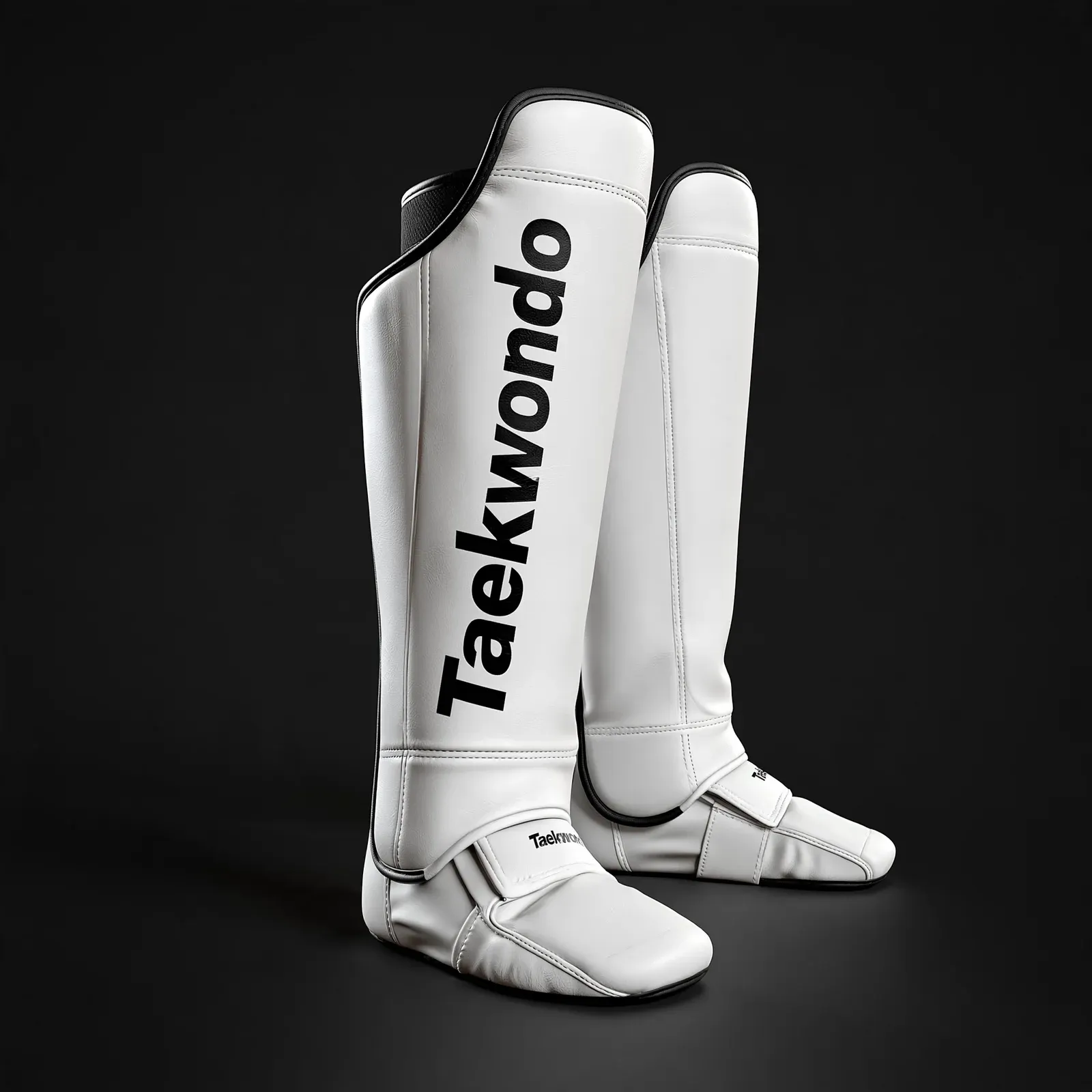
Their belt, their rank, their name down the tail.
- What shoppers want to choose
- Belt colour. Stripes for rank. Their name down the tail of the belt. Trim colour on the uniform. A school crest.
- Why a flat image fails them
- Belt colours times stripe counts times names is a catalogue nobody photographs. Shoppers order from a text box and hope the name lands where they pictured it.
- What Orbit3D does
- Colours per part. Conditional options, so stripe choices appear only for the ranks that carry them. Engraving for the name, placed on the belt in 3D. Artwork upload for the crest. The price updates.
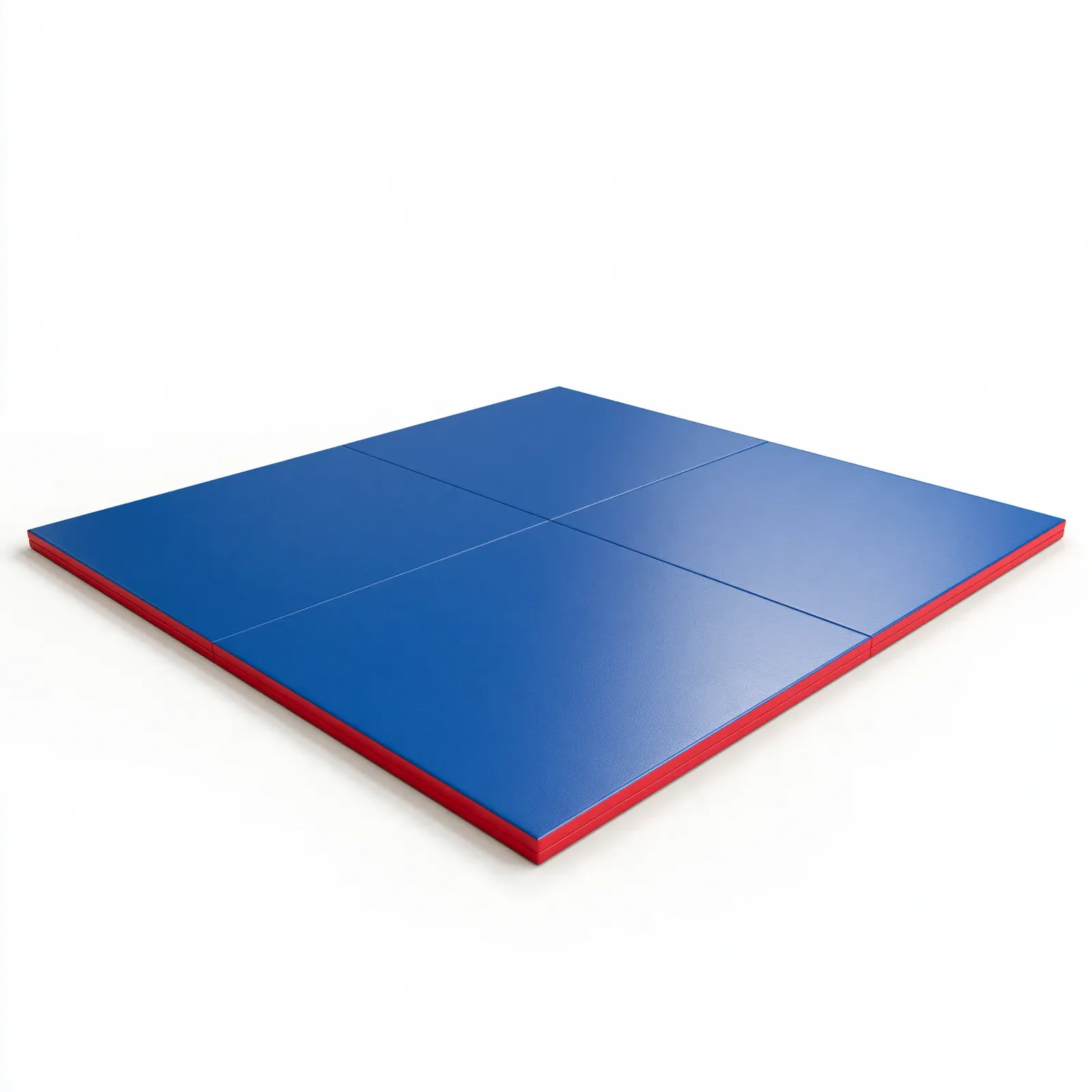
Their floor plan. Their logo in the middle.
- What shoppers want to choose
- Size, in real units. Thickness. Colour per panel. A logo in the centre.
- Why a flat image fails them
- A four-by-eight mat and a ten-by-ten mat photograph the same. A logo mocked up flat is at the wrong scale for both.
- What Orbit3D does
- Live resizing in real units from one model, so the mat on screen is the mat they order. Colours per panel. Artwork upload for the logo, at size on the model. The price updates by size.
Their side. Their leather. Their initials.
- What shoppers want to choose
- Which side they carry on. Leather colour. Thread colour. Initials.
- Why a flat image fails them
- Left and right, four leathers, three threads and a monogram is more photos than any shop takes. So shoppers pick from a swatch chip and a text field and trust the maker.
- What Orbit3D does
- Part swap for left or right. Colours and materials for leather and thread. Engraving for the initials. Conditional options, so thread colours follow the leather picked.
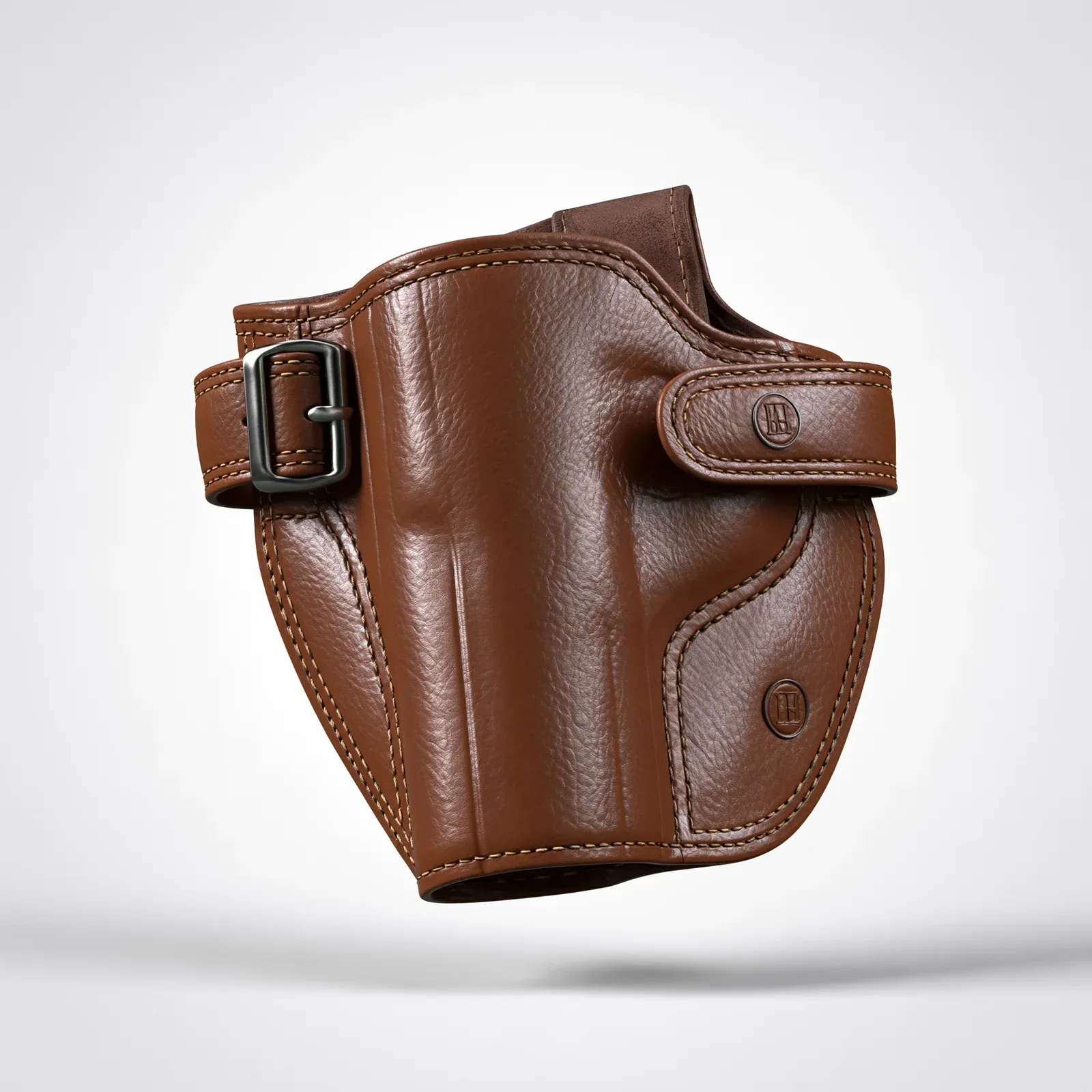
Their head cover, in their club's colours.
- What shoppers want to choose
- Leather colour per panel. Club number. Initials. Club head finish. Grip colour.
- Why a flat image fails them
- A three-panel leather cover in club colours cannot be photographed for every combination, and the number on top is a render per order.
- What Orbit3D does
- Colours per part (a head cover splits into a few colour zones). Engraving for the number or initials. Part swap for the grip. Conditional options. The price updates.
Their words, wrapped round the mug.
- What shoppers want to choose
- Body colour. Lid and handle colour. Engraved text. Their own artwork. Size.
- Why a flat image fails them
- Text previewed flat does not curve. Shoppers cannot tell if their line fits round a bottle or crowds the handle.
- What Orbit3D does
- Colours per part. Engraving on the model, so the text curves the way it will on the cup. Artwork upload. Size as an option.
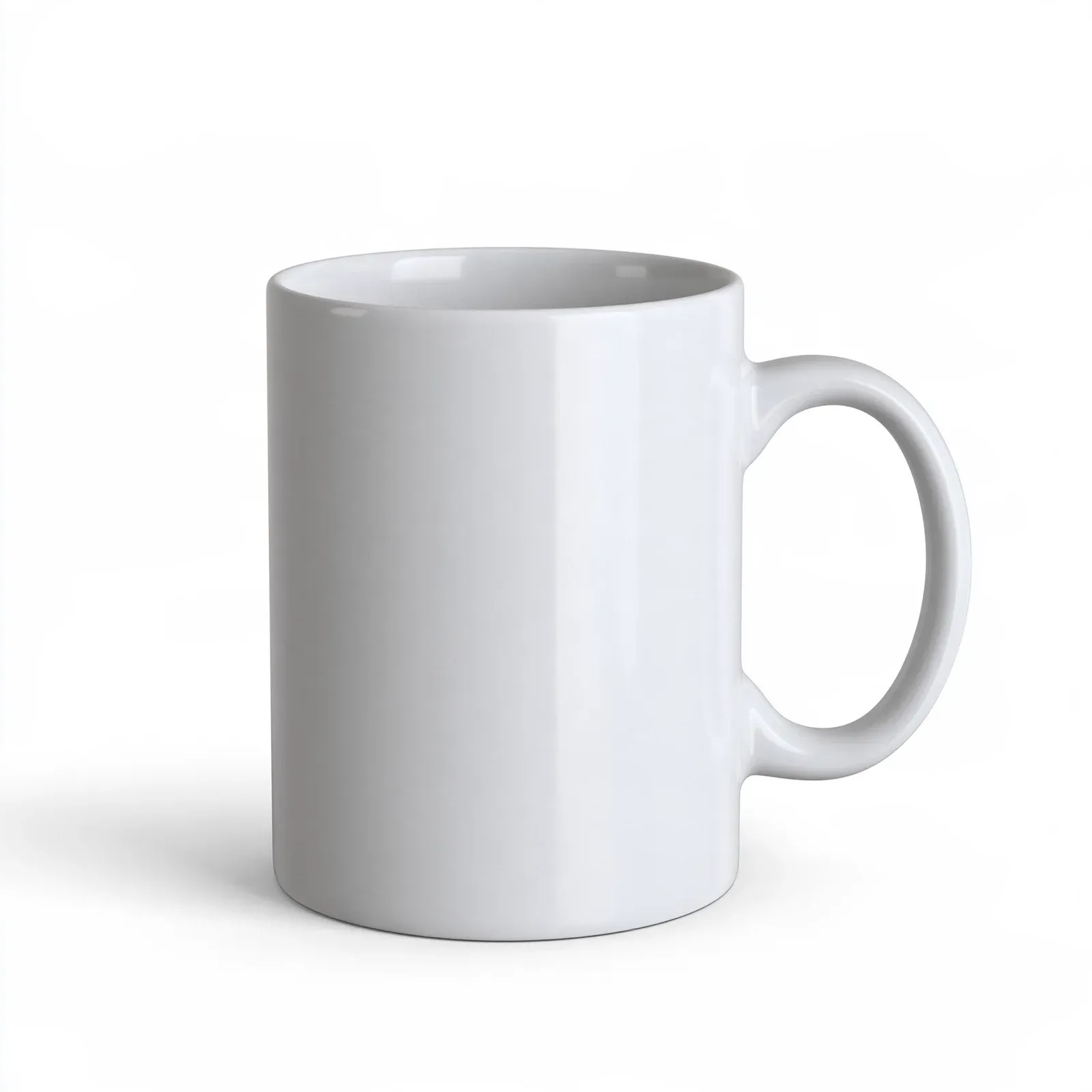
Body, trim, hardware, and a monogram.
- What shoppers want to choose
- Body material and colour. Trim colour. Hardware finish. The strap. A monogram.
- Why a flat image fails them
- A bag is four or five parts a shopper wants to mix, plus a strap they want to swap. One photo per colourway does not cover it.
- What Orbit3D does
- Colours and materials per part. Part swap for the strap. Engraving for the monogram. Conditional options.
Their seat. Their leather. Their piping.
- What shoppers want to choose
- Leather colour per panel. Piping colour. Stitch colour. The insert material.
- Why a flat image fails them
- A bucket seat is five parts. Blue with white piping and a perforated insert is one photo among dozens nobody shot.
- What Orbit3D does
- Colours per part, five of them on our demo seat. Material swaps. Tap the bolster and its options open. The price updates.
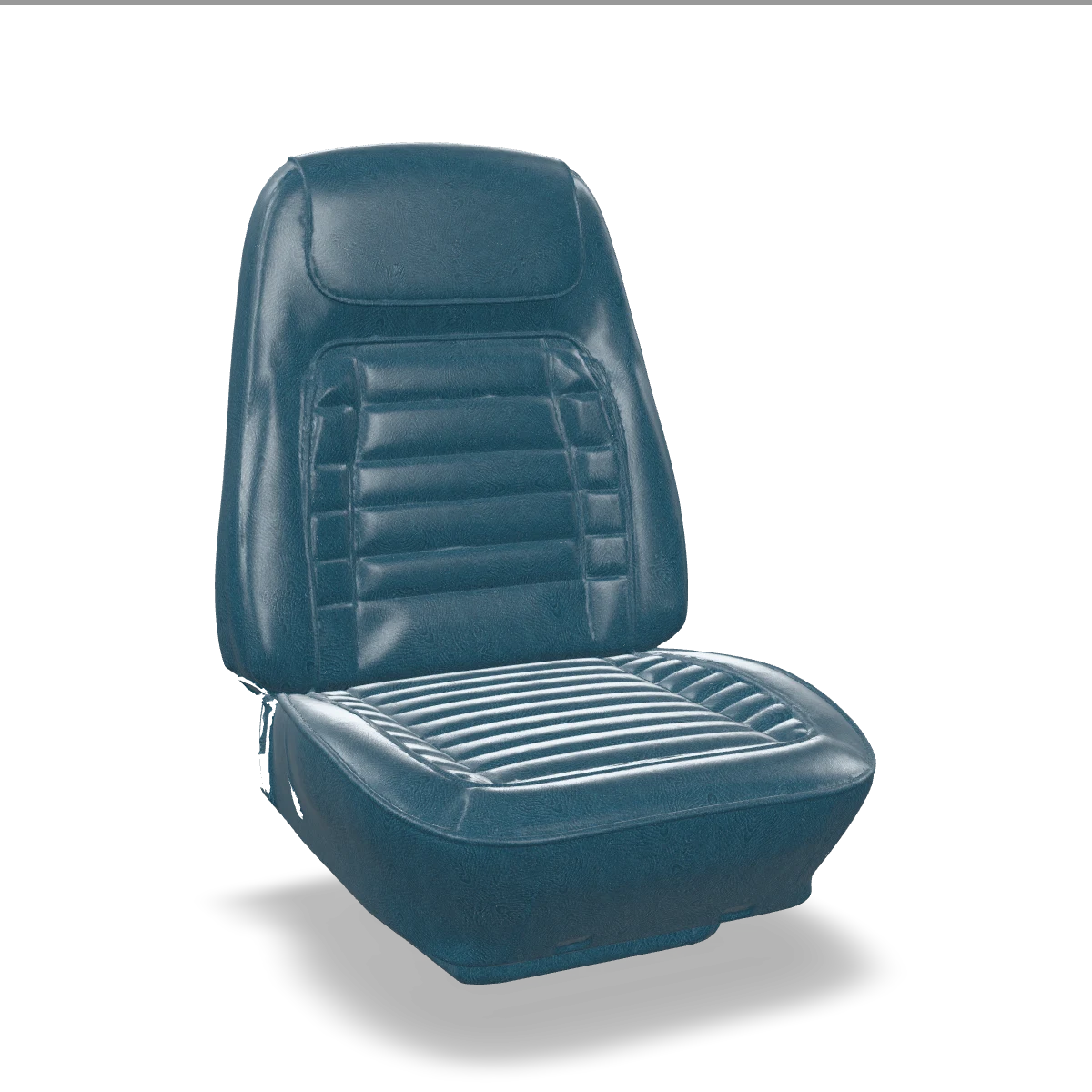
Kwal-ity Auto Interiors, our demo brand. Drag to turn.
Where do the 3D models come from?
Two ways. Have a GLB file? Drop it into Orbit3D, describe the product to the Setup Assistant, approve what it builds. Have only photos? Vera, MK-Way's AI 3D designer, builds the model from them and cuts it into the parts your shoppers choose. Either way, nothing publishes until you press approve.
Don't see your product?
If shoppers choose it, it belongs here. Bring photos and we will talk about it.