Zakeke takes up to 1.9% of every configured sale. We take 0%.
Our team moves you. Send your 3D files and your option list; we rebuild the setup on Orbit3D and hand it to you to approve. Your store keeps selling meanwhile.
Flat monthly price. Unlimited products on every paid plan. Your files stay in your own Shopify Files.

Kwal-ity Hats, our demo brand. Drag to turn.
What Zakeke's fee actually costs
Zakeke charges 1.9% on Starter, 1.7% on Grow or 1.5% on Scale of every configured item, on top of $69.90, $129.90 or $299.90 a month. On plans activated since 7 November 2022 there is no cap on the fee per item. Zakeke's own example: a $3,000 configured item carries a $57.00 fee, where the old cap would have held it to $15.00.
The fee is per item, not per cart. And it is charged whether or not the order is paid, delivered or cancelled. In Zakeke's words, the fee is "not related to the status of the purchase after the customer complete the checkout" (their wording).
The product caps come on top: 10 published products on Starter, 50 on Grow, 100 on Scale. Pass the cap and you move up a plan.
$500,000 a year in configured sales
| Commission | Subscription a year | Products allowed | |
|---|---|---|---|
| Zakeke Scale, 1.5% | $7,500 | $3,598.80 | 100 |
| Zakeke Starter, 1.9% | $9,500 | $838.80 | 10 |
| Orbit3D Growth, 0% | $0 | $1,164 | Unlimited |
Run your own number. Rates and limits from Zakeke's Shopify App Store listing and Zakeke's help centre article on transaction fees, checked 8 September 2026 and again 22 September 2026. Zakeke's help centre (updated 1 September 2025) lists the rates as 1.9 / 1.8 / 1.7%; the Shopify listing says 1.9 / 1.7 / 1.5%. We quote the listing because that is what Shopify bills against.
There is no export button.
Zakeke has no way to export a setup. Your options, prices and rules live inside their app, so leaving looks like starting from zero. That is what keeps merchants paying the fee long after they have done the arithmetic.
It is also the part we remove. Our team does the rebuild. And on Orbit3D your 3D files upload straight into your own Shopify Files, on your store, under your account. They are yours to keep whatever you decide later.
What Premium Migration is, and what it is not
It is a person on our team rebuilding your configurator on Orbit3D from your files and your option list. It is not an automatic import. Nothing reads your Zakeke account.
- 01
We collect.
You send your 3D files (GLB), your options and prices, and a link to your current product page so we can see how it works today.
- 02
We rebuild.
Our operator builds the option groups, prices, rules and the links between choices and parts of the model on Orbit3D. The 3D file check runs on every model and we tell you what it finds.
- 03
You approve.
You see the finished configurator in the editor and click through it. Nothing publishes until you press approve.
- 04
You cut over.
Publish on Orbit3D, then switch off the old configurator when you are ready. Your store sells the whole way through.
No time promise here. How long it takes depends on how many products and rules you have, and we would rather tell you the truth on the call than a number on a web page.
What your shoppers notice
A live 3D product on the product page. They spin it, zoom, and tap a part to jump to its options. Colours, materials and sizes on every paid plan. Textures, engraving, their own logo and rules that show or hide options on Growth and above. The price updates as they choose.
One line in the cart, listing every choice they made.
The price they built is the price they are charged. Our server signs it and Shopify checks the signature at checkout. A price edited in the browser is refused, not discounted.
What they will not notice: any tracking. Orbit3D does not track shoppers. No sessions, no conversion tracking, by design.
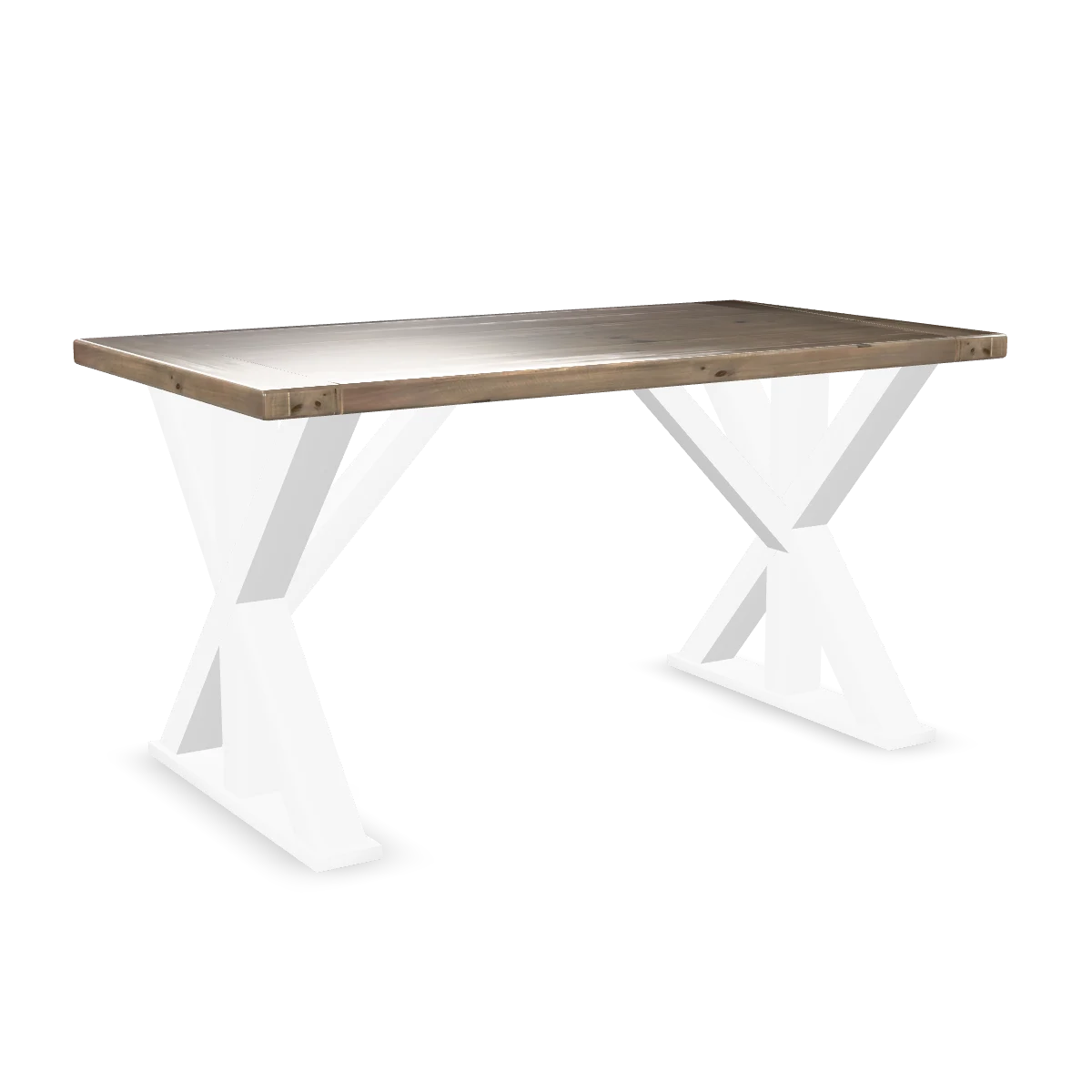
Our demo product, unbranded. One model, every size.
What merchants ask before they move
Can you import my Zakeke setup automatically?
Switching sounds risky. Our revenue runs through the configurator.
What do you charge for migration?
Do I need new 3D files?
Zakeke works fine for us.
Will it slow my store down?
Ready to stop paying the fee?
Tell us what you sell and how many products are configured. We will tell you what the move involves, honestly, on the call.
Flat monthly price. Unlimited products on every paid plan. 0% of your sales.