Send us your files. We build the configurator.
Done-For-You Setup is our team building your Orbit3D configurator from your 3D file and your option list, checking the file, and handing it back to approve.
You keep the approve click. Nothing goes live until you press it.
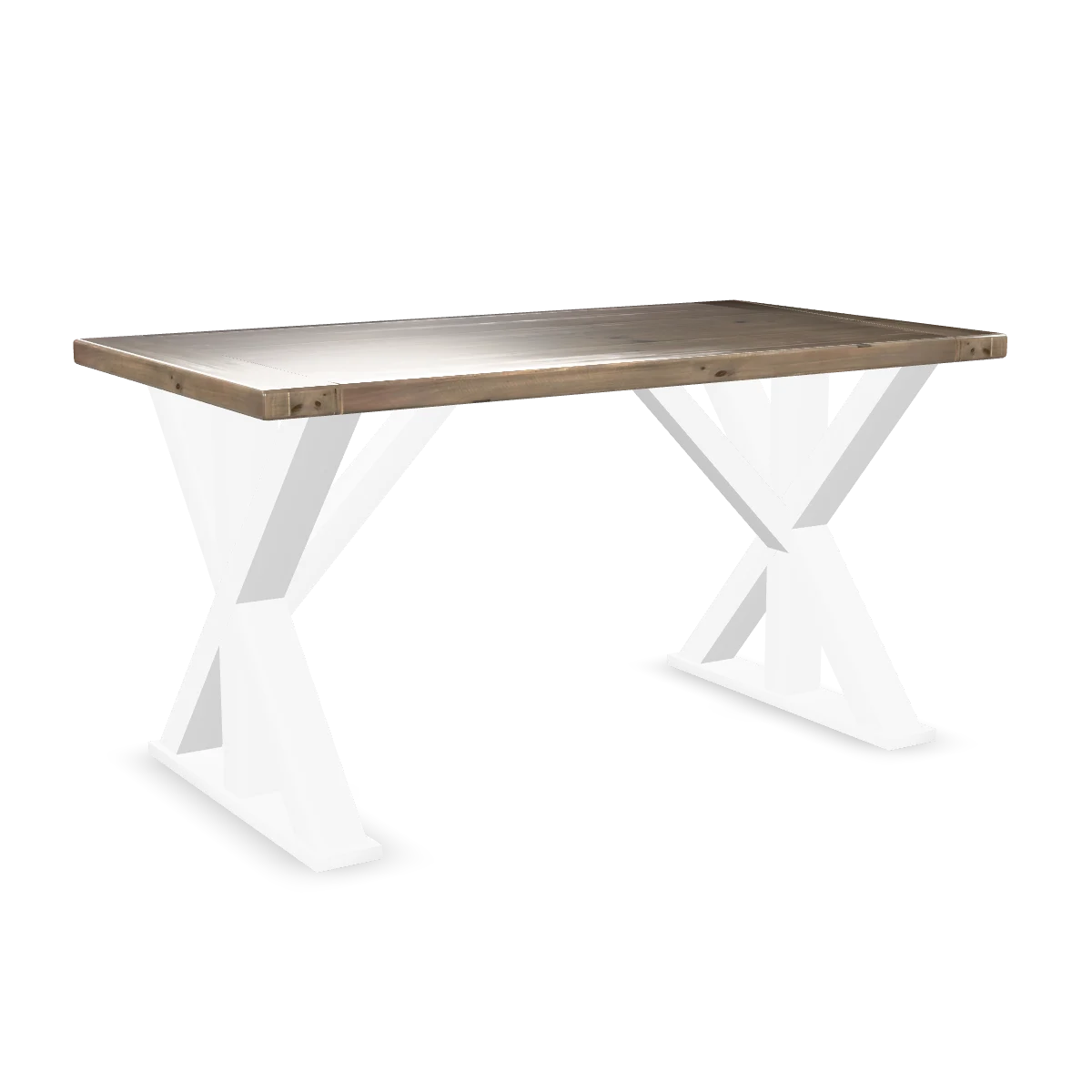
Our demo product, unbranded. Drag to turn.
What our operator does
- Reads your intake and opens your files.
- Runs the 3D file check and writes up what it finds. See the file report below.
- Builds the option groups, the prices, the rules, and the links between each choice and the part of the model it changes, using the Setup Assistant.
- Sets up sizes where you sell more than one: on Growth and above, one model resized live in real units for every size.
- Hands you the finished configurator in the editor, ready to approve.
What we do not do: publish. That click is yours.
What you send us
Most of this you already have. Send what you can and we will ask for the rest on the call.
- 1Your 3D file, as a GLB. One per product shape. No file? Say so. Vera, MK-Way's AI 3D designer, makes one from your product photos.
- 2Your option list: every choice a shopper can make, grouped the way you think about it. Colour, material, size, engraving, artwork.
- 3Your prices: the base price and what each choice adds.
- 4Your sizes, with real dimensions, if you sell more than one.
- 5Any rules: choices that only appear when another choice is made.
- 6Your Shopify store URL and the product page it belongs on.
A photo of the real product helps us match colours and materials to the thing you ship.
The 3D file report
Before anything goes live, Orbit3D checks your 3D file. Leftover parts, placeholder materials and naming problems are caught before a shopper ever sees them.
We send you the findings in plain words: what is wrong, whether it matters, and what we did about it. If the file needs work you cannot do yourself, we tell you that too, and what the options are.
You approve. Then it publishes.
Nothing goes live because someone said yes in a chat. You open the editor, turn the product, click through the options and check the prices. When it is right, you press approve and publish. Until then your product page is untouched.
Publishing needs a paid plan. Building and previewing happen on any plan, including Free.
Cost, time, files, plans.
What does Done-For-You Setup cost?
How long does setup take?
We don't have 3D models of our products.
What 3D file format do you accept?
Can I change things after you hand it over?
Do I need to be on a particular plan?
Start with a conversation.
Bring a link to the product and a rough list of the choices. That is enough to scope it.
No price on this page. Each setup is scoped on the call.