Two dining tables. Every length.
A farmhouse table with a wood top and a white X base, and a long trestle table in dark wood. Unbranded, and ours. One model each, every size a shopper needs.
Our demo product, built in Orbit3D. Unbranded, and ours.
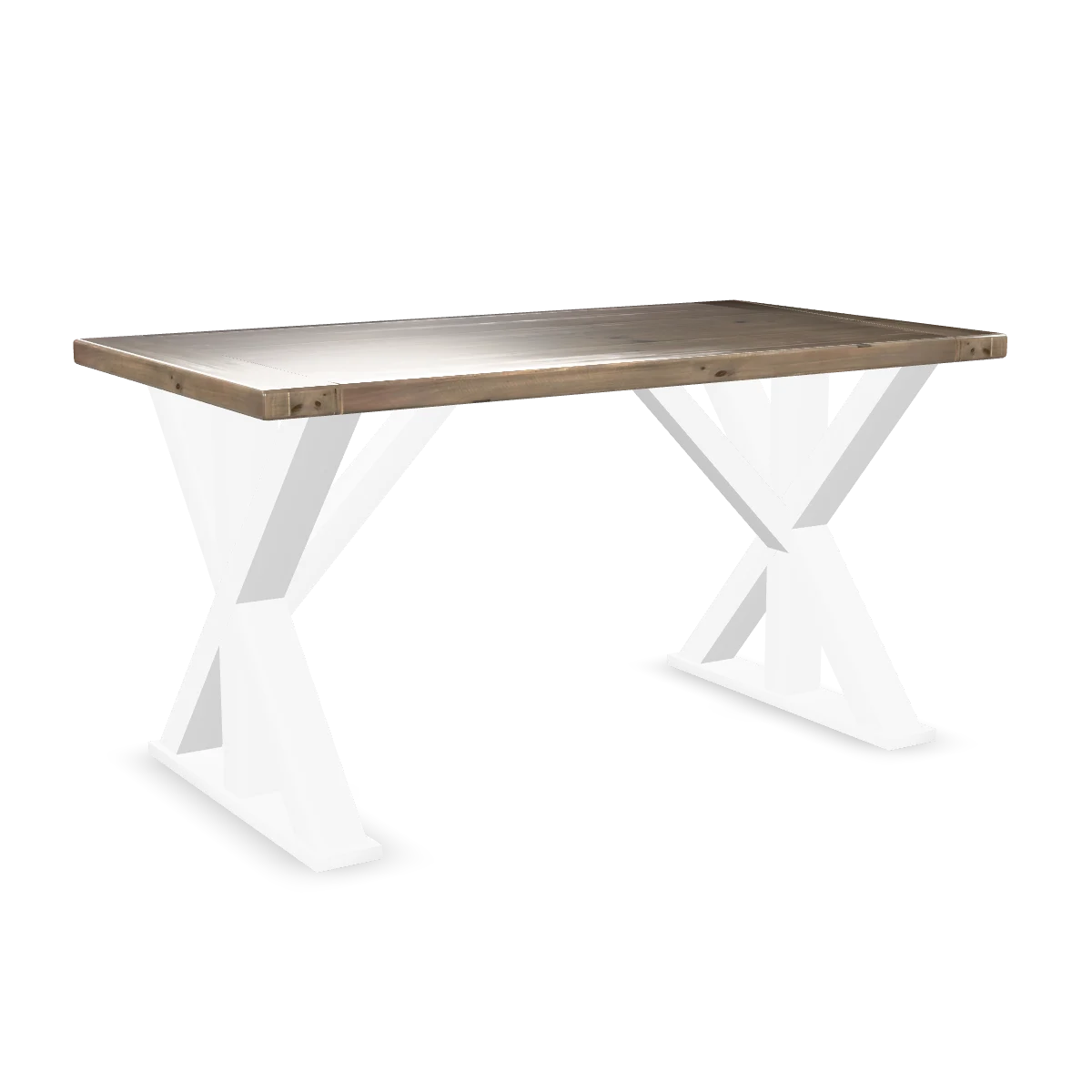
Drag to turn.
Two tables. The farmhouse table is the one we use to show resizing: one 3D model, stretched live in real units. The trestle is the long one.
Table style. Top wood. Base style. Length and width, in real units.
We dropped both 3D files into Orbit3D and described each table to the Setup Assistant: the top takes a wood, the base is a style, and the size runs in real units between the smallest and largest we make. It read the files, built the options and the resize rules, checked both files, and showed us the result. We approved. Then publish.
The table, turning. Change the top and the wood changes. Change the base and the legs change. Set the length and the table grows in front of them, in real units, and the legs stay legs. The price updates with the size.
What reaches the order.
One line, every choice listed: style, top wood, base, length, width. The price on that line is the one the shopper saw, signed and checked at checkout.
Example line (illustrative, not a real order)
Farmhouse table, Walnut top, White X base, 84 in x 38 in
Price signed by our server, checked at checkout
Read the other build stories.

The Kwal-ity Hats fedora
A felt fedora from Kwal-ity Hats, our demo brand and our demo store. Six colourways, a two-tone finish, sizes, and a place for initials inside.
Read the build story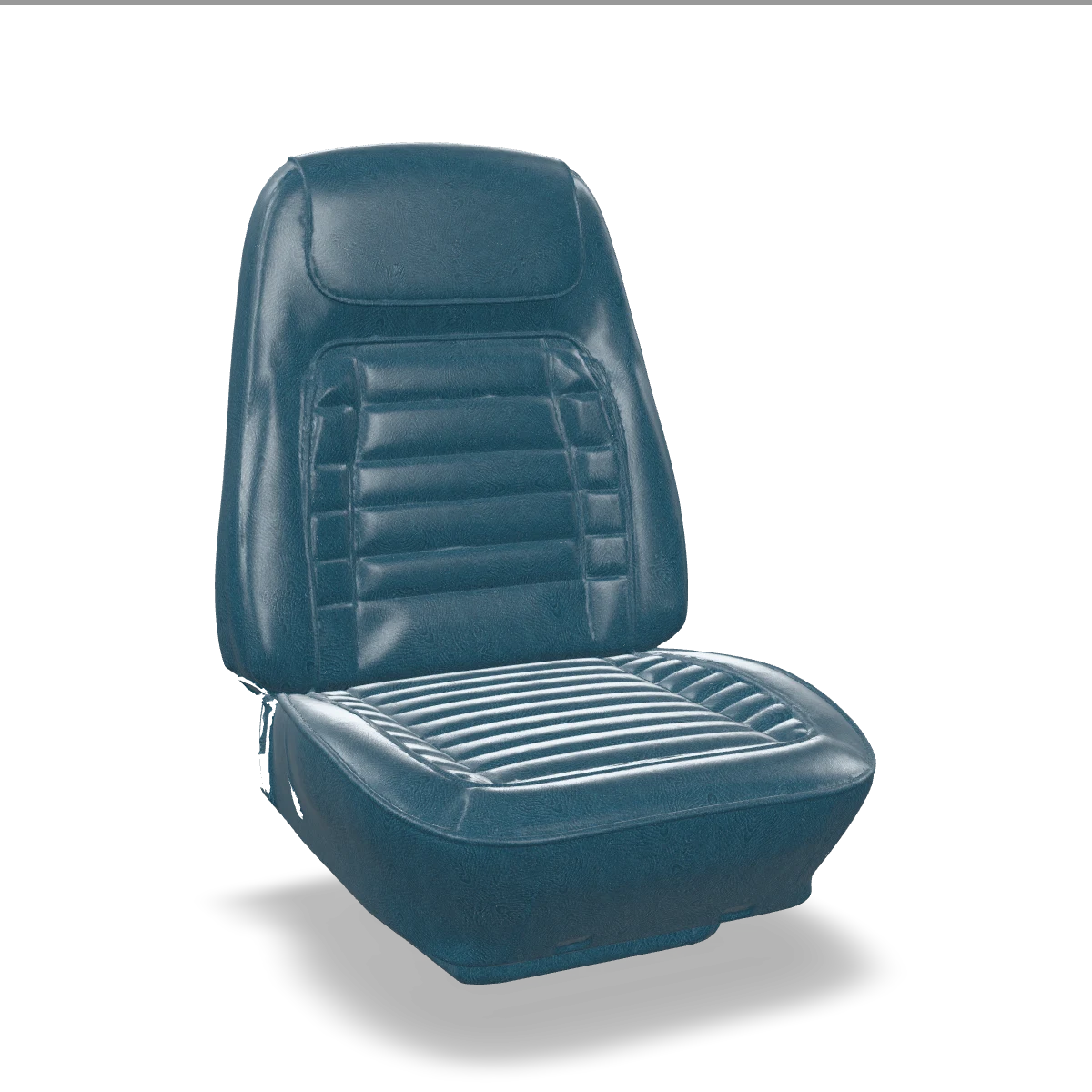
The Kwal-ity Auto Interiors bucket seat
A classic bucket seat in five parts, from Kwal-ity Auto Interiors, our demo brand. Leather colours by panel, and piping.
Read the build storyNow turn one yourself.
The demo page runs the real configurator, exactly as a shopper would use it.
Free plan to build and preview. Paid plans include a 7-day trial.